

Office Coffee Subscription
Office Coffee Subscription
Couldn't load pickup availability
Colipse Office Coffee Subscription is a coffee bean delivery service that regularly delivers 5 lb of freshly roasted coffee to workplaces, based on employee preferences and consumption levels.
About
About
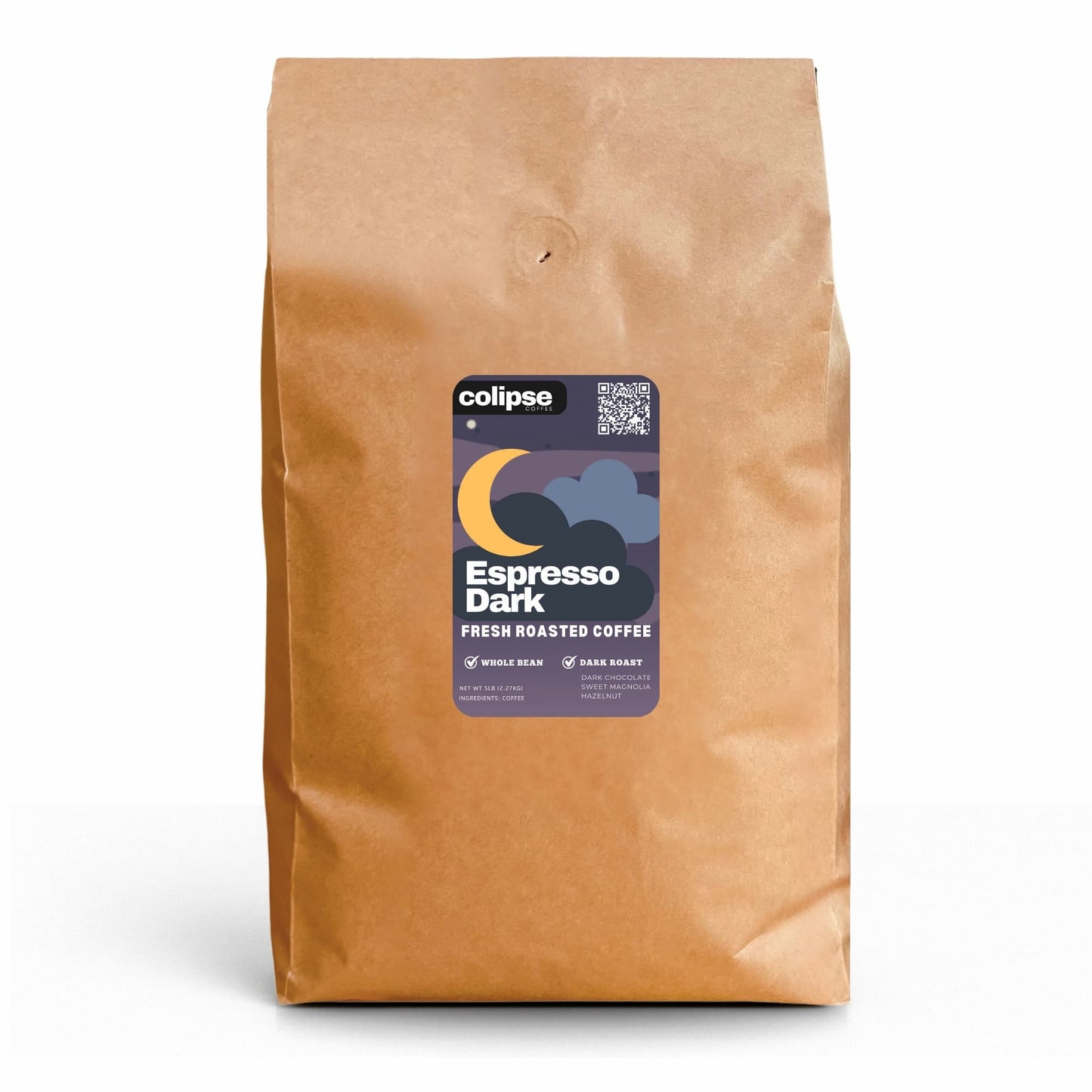
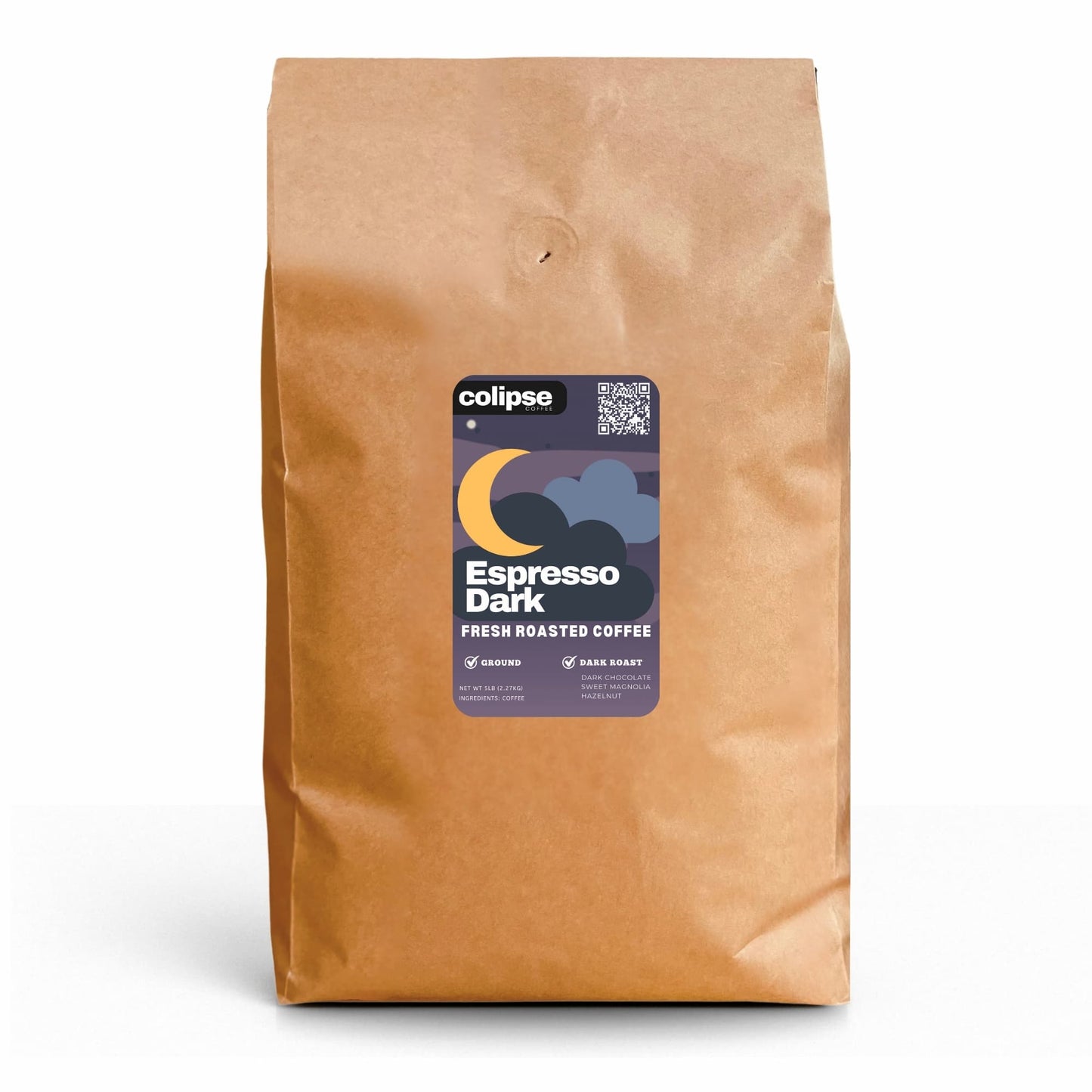
Colipse Office Coffee Subscription is a coffee bean delivery service that regularly delivers 5 lb of freshly roasted coffee to workplaces, based on employee preferences and consumption levels. This subscription includes best-selling dark roast espresso beans, ideal for offices, business meetings, and work events. This blend delivers a strong chocolate flavor with notes of magnolia and spice, along with a full body and low acidity. Differentiate your business by offering a premium specialty coffee blend from six global regions. Deliver consistent quality to boost team productivity and morale.
Colipse offers 2.27kg bags of whole bean or pre-ground coffee for office subscriptions. It is suitable for small and family businesses, corporate companies, startups, co-working spaces, tech firms, creative agencies, remote teams, and large offices. Select whole beans for bean-to-cup machines, espresso machines, and high-capacity coffee brewers. Alternatively, choose ground coffee in coarse, medium, or fine grinds for drip, pour-over, and French press methods.
Colipse makes office coffee easy. Flexible plans let you choose delivery frequency and maintain a steady supply. Get your first vacuum-packed, fresh coffee order within 5 days, then choose recurring deliveries every 2, 3, 4, or 5 weeks. You have total control to modify your subscription (frequency, orders, pauses, billing, items) anytime. This coffee subscription for offices includes free shipping, affordable pricing, and a satisfaction guarantee. Subscribe now for premium taste without the premium price.
How it Works
How it Works
Getting regular coffee for your office is simple with a 8-part subscription.
- Select coffee grind size
- Specify quantity
- Set delivery frequency
- Enter payment
- Confirm order
- Receive delivery
- Track consumption
- Modify subsequent orders
Delivery & Packaging
Delivery & Packaging
Sign up for the Colipse office coffee delivery program on our website and get free shipping anywhere within the US.
Your coffee is roasted-to-order and vacuum-sealed in a high-barrier, recyclable bag (multi-layer, valve, expandable base). It ships in 2 lb bags, usually within 3-5 business days.


Frequently Asked Questions
Can I change my Office Coffee Subscription?
Yes, you can change your office coffee mail order subscription plan by changing delivery schedules or updating shipping info via your account page or customer service.
How to update my Office Coffee Subscription?
To update your shipment:
- Access your customer portal.
- Navigate to Account Details and click Manage Subscription.
- Select "Set Next Order Date" to choose a new date, OR click "Get It Now" to process the order instantly for next-business-day shipment.
How to skip my Office Coffee Subscription?
To skip your next office coffee order follow these steps.
- Log in
- Account Details
- Manage Subscription
- Skip Next Order.
- Your service continues.
How to cancel my Office Coffee Subscription?
To end your office coffee service, follow these steps below.
- Access the customer portal.
- Navigate to Account Details.
- Choose Manage Subscription.
- Click "Cancel Subscription."
- Provide a reason.
- Confirm by selecting "Proceed to cancel your subscription."
How do I update my shipping information?
To update your shipping address follow the 5 steps below.
- Access your customer portal.
- Find "Account Details."
- Click "Manage Subscription."
- Choose "Update My Info."
- Enter and save your current address.
How do I update my payment methods?
Securely update your billing info from your account dashboard.
- Log into customer portal
- Account Details
- Manage Subscription
- Update My Info.