

Colombian Coffee Subscription - 2 lb
Colombian Coffee Subscription - 2 lb
Couldn't load pickup availability
Colipse Colombian Coffee Subscription is an online service that delivers single-origin specialty coffee from Colombia on a weekly or monthly basis.
About this Subscription
About this Subscription
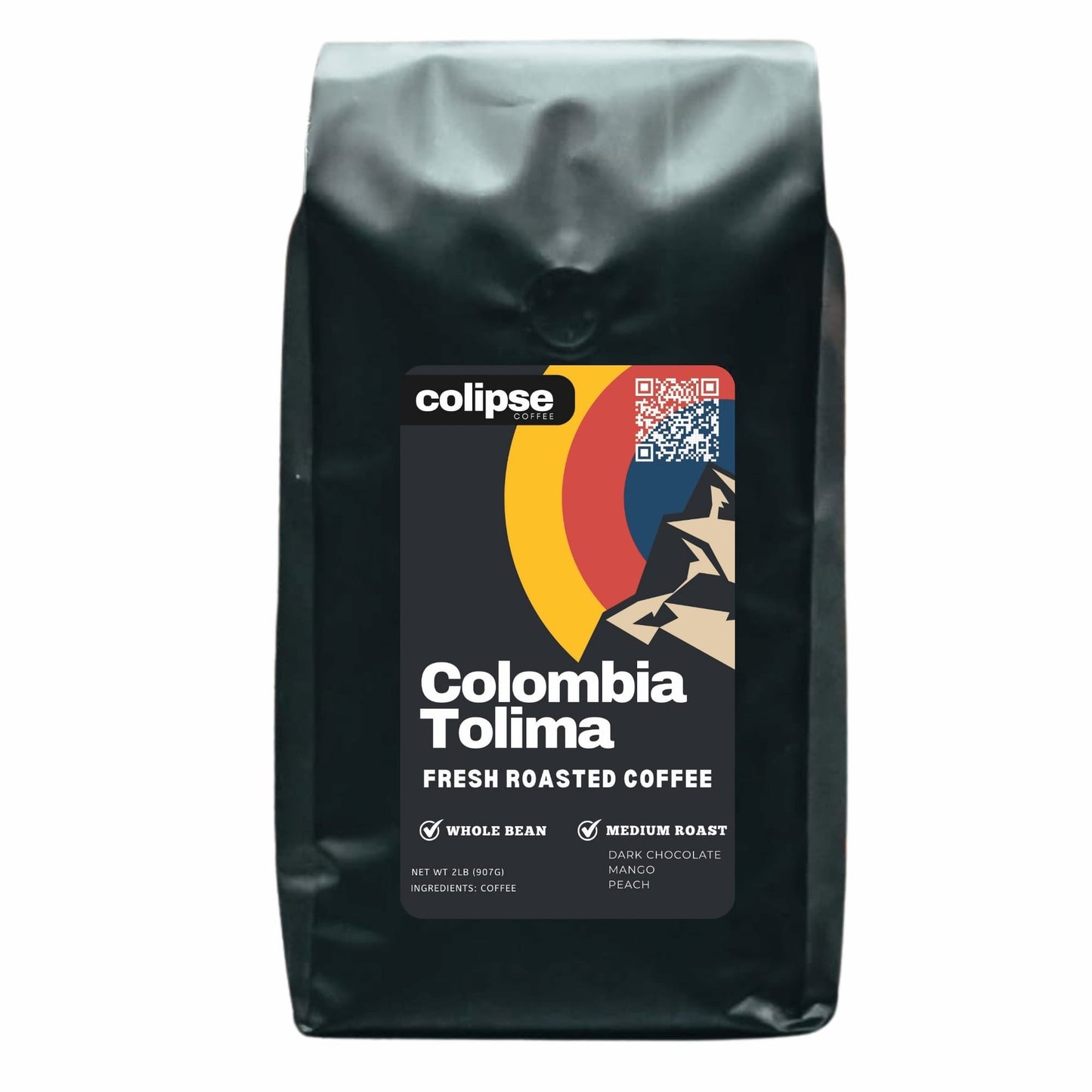
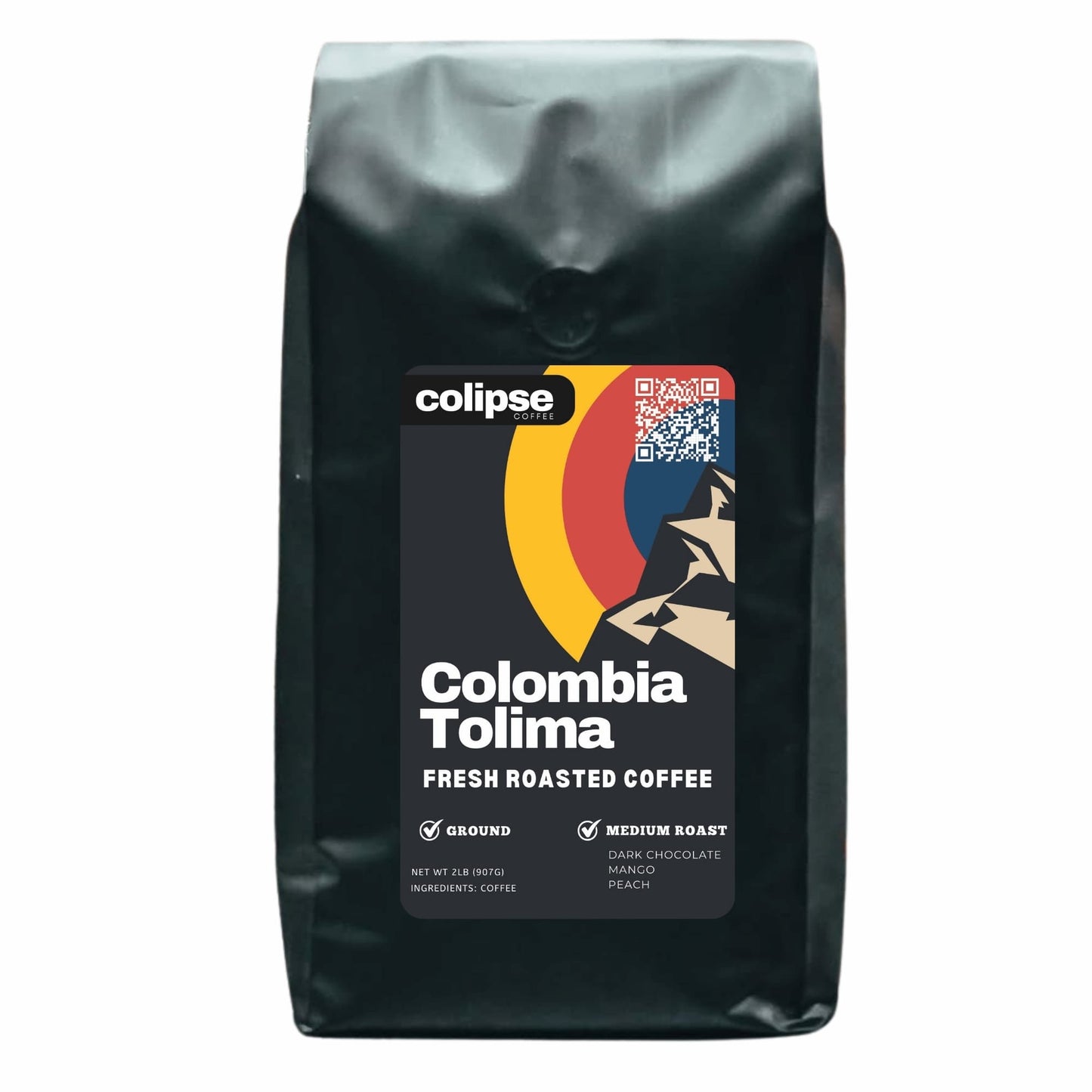
Colipse Colombian Coffee Subscription is an online service that delivers single-origin specialty coffee from Colombia on a weekly or monthly basis. Each subscription box features medium-roast coffee from Tolima, Colombia, grown at 1,400–2,100 meters. It includes Caturra and Red Catuai varietals. Cooperative farmers selectively handpick the beans, which are then fully washed (fermented and sun-dried) for clarity. The coffee is fully traceable to the Fairtrade Organic certified Café del Macizo cooperative.
Each 2lb (907g) bag is freshly roasted to order, vacuum-packed for peak freshness, and shipped within 5 days of your order. A perfect choice for those seeking the freshest coffee, eager to discover new varieties, or looking for a delightful gift. You can choose a subscription for Colombian whole bean coffee suitable for making specialty coffee drinks using super-automatic bean-to-cup machines, espresso machines, and home grinders. Or, choose pre-ground coffee in coarse, medium, and fine grinds for pour overs, drip filter, or moka pots.
When you subscribe to Colombian coffee delivery from Colipse you get free shipping, affordable pricing, and compatibility with any coffee brewing makers. You get full control over your subscription with the ability to manage delivery frequency, skip orders, or even pause your subscription. Manage your subscription effortlessly: select your grind, add/remove products, adjust your billing cycle, and utilize simple options to cancel or freeze your deliveries. Subscribe to the Colipse Colombian Coffee Subscription program online today and enjoy a premium coffee experience without the premium prices.
How it Works
How it Works
Signing up for Colipse Colombian Coffee involves 6 steps:
- Choose your grind (fine/espresso, medium/pour over, coarse/French press.
- Enter shipping info for delivery every 2 or 4 weeks.
- Pay via credit/debit card or Apple Pay.
- Colipse roasts and packs fresh beans.
- Receive your Colombian coffee monthly or weekly on the same date.
- Enjoy fresh Colombian coffee!
Delivery & Packaging
Delivery & Packaging
Sign up for your Colipse Colombian coffee subscription on our website and get free US delivery.
Enjoy coffee roasted-to-order, vacuum-sealed for peak freshness in a recyclable 2 lb bag (with valve, multi-layer protection), and shipped within 3-5 business days.


Frequently Asked Questions
Can I change my Colombian Coffee Subscription?
Control your Colipse Colombian mail order subscription preferences, including delivery timing and shipping address, by visiting your account page or contacting customer service.
How to update my Colombian Coffee Subscription?
To update your Colombian coffee subscription, please follow the steps below.
- Log in to the customer portal.
- Access your Account Details.
- Navigate to the Manage Subscription section.
- You can either schedule your next order using the 'Set Next Order Date' option or request immediate shipment (next business day) by selecting 'Get It Now'.
How to skip my Colombian Coffee Subscription?
To skip your next delivery without canceling follow these 3 steps.
- Access your customer portal.
- Find "Manage Subscription" within the Account Details section.
- Click "Skip Next Order."
How to cancel my Colombian Coffee Subscription?
To cancel your Colipse Colombian coffee subscription plan, follow these 5 steps below.
- Log into the customer portal.
- Go to Account Details and select "Manage Subscription."
- Click "Cancel Subscription."
- Choose a reason.
- Confirm by selecting "Proceed to cancel your subscription."
How do I update my shipping information?
Follow these 3 steps to update your shipping information for future Colombian coffee deliveries.
- Log in to the customer portal.
- Under "Account Details," select "Manage Subscription."
- Click "Update My Info."
How do I update my payment methods?
Change your billing information securely by following these 4 steps.
- Change your billing information securely by logging into your customer portal.
- Once in, go to Account Details.
- Select "Manage Subscription."
- Click "Update My Info" on your dashboard.